Article overview
- When a subscriber says they have too much product, immediately cancelling the subscription may solve a different problem from the one they described.
- Skip, pause and cancel can have different effects in the subscription app. A store also needs to distinguish future renewals from an order that has already entered fulfilment.
- Ask whether the customer wants to miss one delivery, stop renewals temporarily, change frequency or end the subscription. Do not force a retention conversation before accepting a clear cancellation request.
- Record the request time and the subscription reference. Check whether several contracts or products are involved. A note saying customer wants to pause is incomplete if one subscription should continue and another should stop.
Putting this workflow into practice? Explore Shopify Subscription Growth for implementation scope, controls, and next steps.
When a subscriber says they have too much product, immediately cancelling the subscription may solve a different problem from the one they described. The support workflow should establish the requested outcome, available options and timing before changing the contract.
Skip, pause and cancel can have different effects in the subscription app. A store also needs to distinguish future renewals from an order that has already entered fulfilment. Clear choices help the customer understand what changes now and what still needs separate handling.
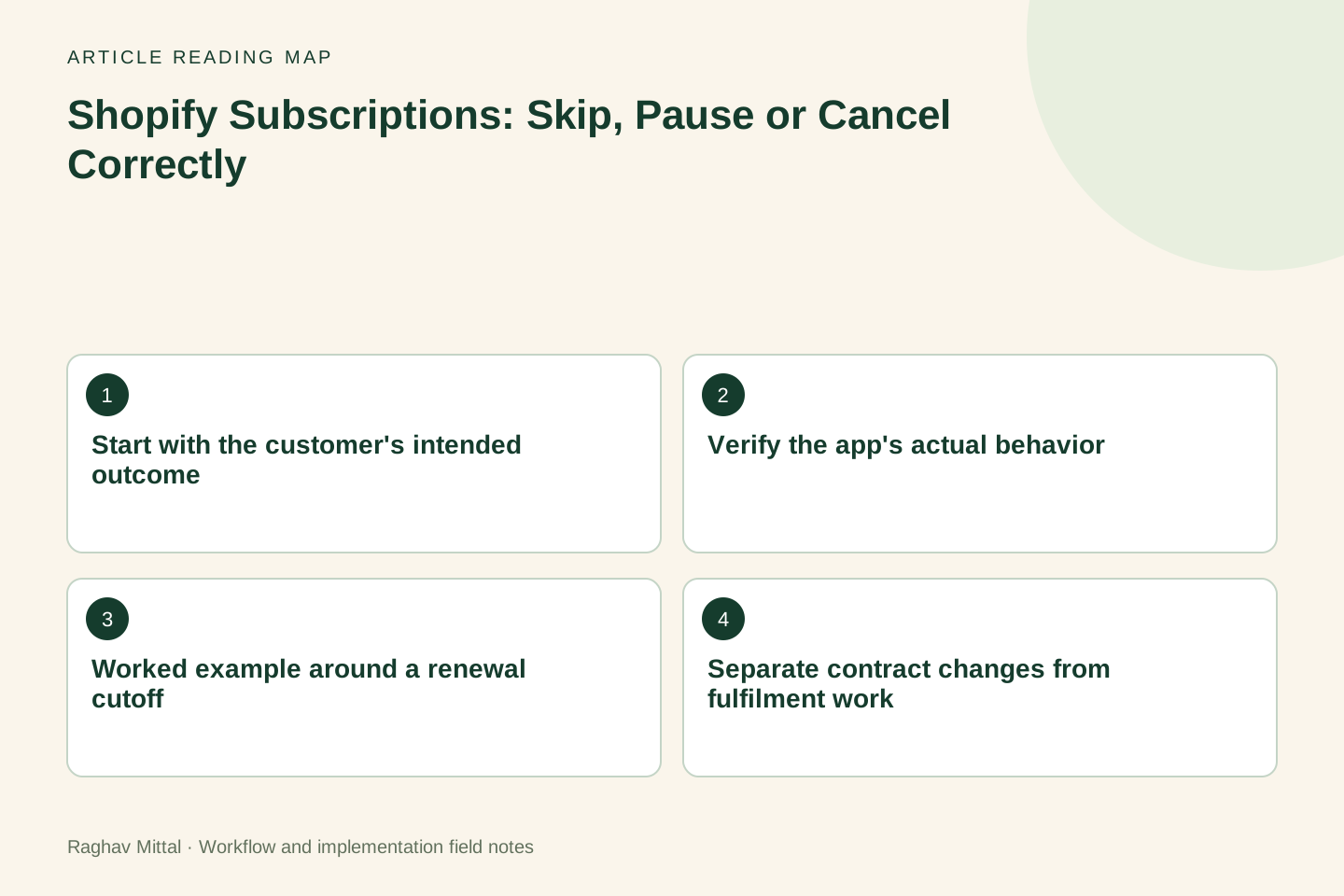
Start with the customer's intended outcome
Ask whether the customer wants to miss one delivery, stop renewals temporarily, change frequency or end the subscription. Do not force a retention conversation before accepting a clear cancellation request. The purpose of clarification is to carry out the right instruction accurately.
Record the request time and the subscription reference. Check whether several contracts or products are involved. A note saying customer wants to pause is incomplete if one subscription should continue and another should stop.
Verify the app's actual behavior
Shopify's contract-management documentation describes actions for Shopify Subscriptions. If the store uses another app, inspect that app's current behavior and customer portal. Do not assume every provider uses the same terminology or timing.
Check the next billing event, resumption behavior and customer notification for each supported action. Test with the actual configuration before writing support macros. An app button's label is not enough evidence for the promise sent to the customer.
Worked example around a renewal cutoff
Illustrative scenario: a subscriber requests a one-cycle break on Monday. One renewal order was created earlier that morning, and the next future renewal is due in four weeks. Support needs to resolve two separate records rather than marking the entire case paused and closing it.
| Record | Question | Required confirmation |
|---|---|---|
| Future subscription | Which cycle should change? | Updated schedule and action outcome |
| Existing order | Has packing or dispatch started? | Applicable order-resolution path |
| Customer message | What will happen next? | Dates and any unresolved action |
The example does not promise that the existing order can be stopped. Support checks its actual state and the store's approved process. The final message explains both the confirmed future change and the existing order's resolution.
Separate contract changes from fulfilment work
Changing a subscription does not prove that a warehouse stopped a previously created order. Use the order-hold decision tree to keep payment, stock and address decisions visible.
Assign an owner to any warehouse request and wait for the relevant acknowledgement. Record the outcome with the order reference. Avoid telling the customer that everything is cancelled while a separate fulfilment action is still pending.
Design reminders around the agreed action
If a pause needs a customer decision before resuming, make that expectation clear. If the app resumes automatically, confirm the relevant date and verify that notifications match the actual configuration. A reminder should help the customer understand the service, rather than obscure a renewal they did not expect.
Keep payment-recovery messages separate from voluntary schedule changes. The subscription dunning guide covers failed-payment workflows; a customer-requested break is a different situation with different intent.
Review the full customer journey
Test portal changes, support-assisted changes, requests near billing time and a repeated request. Check the contract, generated orders, warehouse state and confirmation message. Measure unresolved cases and repeat contacts as well as retained subscriptions.
Explore Shopify subscription growth, or share a redacted support case and subscription setup to improve schedule changes and handovers without making unsupported promises.
Frequently asked questions
Does pausing a subscription cancel an order already created?
Check the actual app and order state. Treat the future contract change and the existing order as separate actions, and confirm any warehouse or refund work before telling the customer it is complete.
Should every cancellation request receive a pause offer?
Respect a clear cancellation instruction. Where the customer's intent is uncertain, explain relevant options briefly and let them choose. Record the chosen action and communicate its actual effect.

Founder, The Night Marketer (Shopify Select Partner). The agency has served 450+ brands since 2015.
Shopify Subscription Growth
I help Shopify brands build subscription programmes that customers keep. That covers choosing between Shopify Subscriptions, Recharge, Loop, Skio and similar apps, designing the subscribe-and-save offer, fixing the customer portal and cancellation flow, recovering failed payments, and migrating subscribers between apps without losing them. The Night Marketer team handles implementation.