Article overview
- A Shopify subscription app migration is safe when three things are true on cutover day: every active subscriber exists in the new app with the right product, price and next billing date; every subscriber has a payment method the new app can...
- This checklist covers moves between any two subscription apps on Shopify, such as Recharge, Loop, Skio or the Shopify Subscriptions app. The steps are the same in each case. What differs is who runs the import and which data each app can ex...
- Migrate when the current app cannot do something the programme needs, or when its cost no longer fits your subscriber count. Do not migrate to fix a weak offer, a confusing portal or poor failed-payment recovery. Those problems usually move...
- A quick test: write down the one thing the new app will let you do that the current one cannot. If you cannot name it, fix the current setup first. The subscription dunning guide shows how much can change without switching apps.
Putting this workflow into practice? Explore Shopify Subscription Growth for implementation scope, controls, and next steps.
A Shopify subscription app migration is safe when three things are true on cutover day: every active subscriber exists in the new app with the right product, price and next billing date; every subscriber has a payment method the new app can charge; and the old app can no longer bill anyone. Most migration problems, including double charges, come from skipping one of those three checks.
This checklist covers moves between any two subscription apps on Shopify, such as Recharge, Loop, Skio or the Shopify Subscriptions app. The steps are the same in each case. What differs is who runs the import and which data each app can export, so confirm those two points in writing before you set a date.
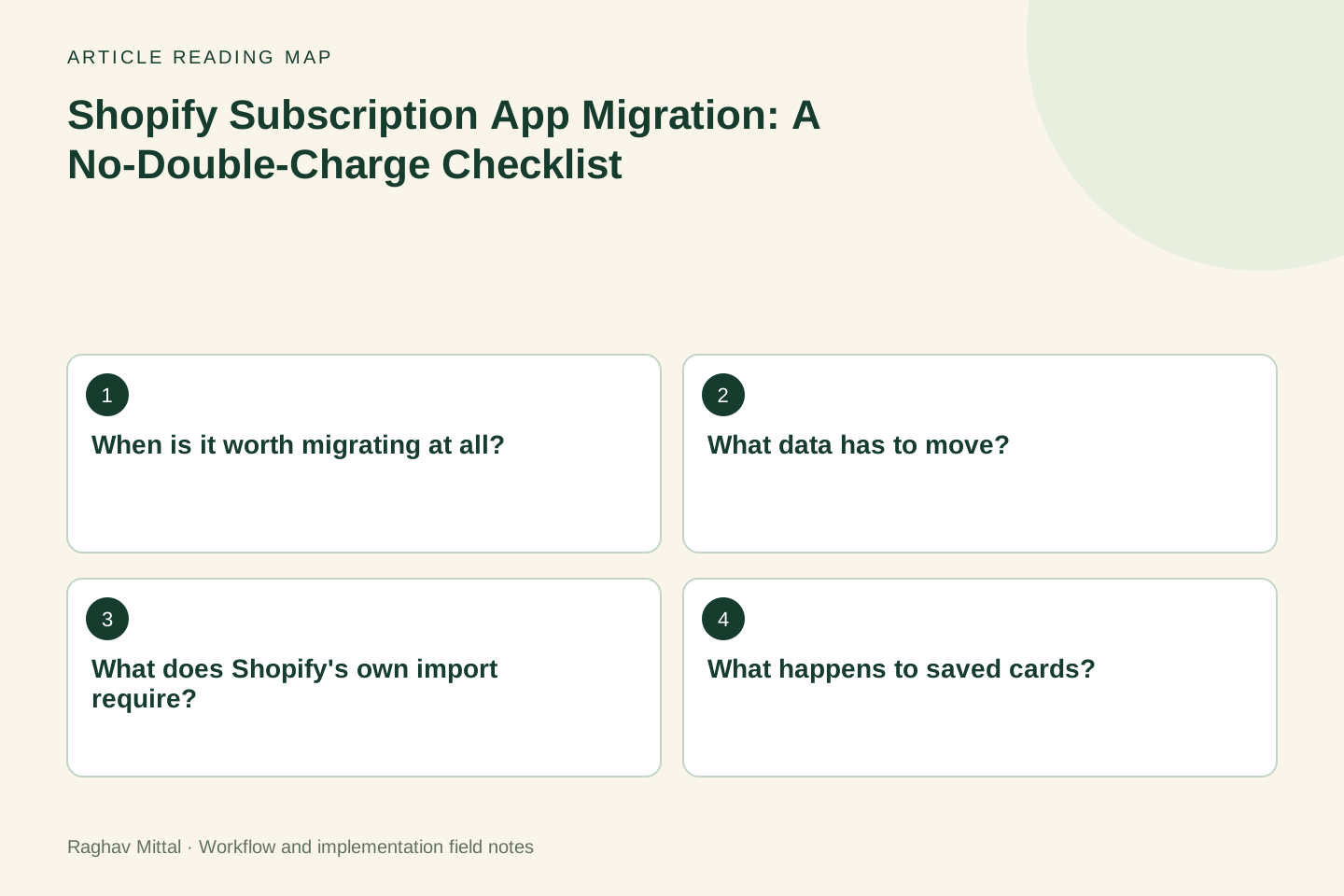
When is it worth migrating at all?
Migrate when the current app cannot do something the programme needs, or when its cost no longer fits your subscriber count. Do not migrate to fix a weak offer, a confusing portal or poor failed-payment recovery. Those problems usually move with you.
A quick test: write down the one thing the new app will let you do that the current one cannot. If you cannot name it, fix the current setup first. The subscription dunning guide shows how much can change without switching apps.
What data has to move?
Four sets of records, in this order. Shopify's developer guide for migrating contracts follows the same sequence: customer records first, then subscription contracts, then billing.
| Record | What to check before cutover | What goes wrong if it is missed |
|---|---|---|
| Customers | Every subscriber has one customer record in Shopify, with a current email | Contracts fail to import or attach to a duplicate customer |
| Payment methods | Each subscriber has a payment method the new app is allowed to charge | The first renewal fails and looks like churn |
| Subscription contracts | Product, variant, quantity, price, discount, frequency and status match the old app | Customers are charged the wrong amount or sent the wrong product |
| Next billing date | The date in the new app matches the date the customer expects | Early charges, late charges or two charges in one cycle |
Selling plans are a fifth item, but they are for new customers. Create the plans in the new app before you import, so that new subscribers can sign up on the day you switch the product page over.
What does Shopify's own import require?
If you are moving to the Shopify Subscriptions app, the contract import documentation sets the rules. The ones that affect planning:
- The old app must be integrated with Shopify Checkout. Contracts from an app that is not cannot be imported.
- There is no direct connection to the old app. You export its data and reformat it into Shopify's CSV template, with every column present.
- Each row needs an existing customer ID and a customer payment method ID.
- A contract's status must be Active or Paused.
- The upcoming billing date must be at least 24 hours after the import.
- An import cannot edit or overwrite a contract that already exists, and a row that was imported successfully before is skipped.
The last point matters for testing. You cannot import a batch, spot a pricing mistake and fix it by importing again. Check the file before it goes in.
If you are moving to a third-party app, ask its team for the equivalent list: which fields they import, what they do with paused and cancelled subscribers, and whether discount codes and one-time add-ons carry over.
What happens to saved cards?
This is the question to settle first, because it can change the whole plan. If the cards are already stored with Shopify, a move between apps that both use Shopify Checkout usually leaves them in place. If they sit with another gateway or another platform, Shopify's payment method migration guide describes the routes, including a slower one where customers move across as they update their billing details. That guide says the slow route can take months or even years, and that some payment types, such as wallets and PayPal billing agreements, cannot be migrated for you.
So ask both app teams where your subscribers' payment methods are stored today, and get the answer per payment type. A subscriber who pays by card and one who pays by PayPal may need different handling.
How do you avoid double charges?
Double charges happen when both apps believe they own the same subscriber on the same day. Three rules prevent that:
- Pick a quiet window. Choose cutover days with the fewest renewals due. Export the renewal calendar from the old app and look at it before choosing.
- Stop billing in the old app before the new app can bill. Pause or cancel the contracts in the old app as each batch is confirmed in the new one. Do not leave both active "for safety".
- Reconcile by subscriber, not by total. Matching totals can hide one customer charged twice and another not charged at all.
Keep the old app installed, with billing stopped, until one full billing cycle has passed. You will need its records to answer customer questions.
Worked example: a staged cutover
Illustrative scenario: a store has 600 active subscribers on monthly plans, with renewals spread through the month. The team moves them in three batches rather than all at once.
| Day | Action | Check before moving on |
|---|---|---|
| Day 1 | Import 20 staff and friendly customers | Product, price and next date match for all 20 |
| Day 3 | First real renewals run in the new app | Orders, emails and tax look right; no charge in the old app |
| Day 5 | Import the next 200, chosen because they renew latest | Subscriber-level reconciliation passes |
| Day 9 | Import the rest and switch the product page to the new app | Old app shows no active billing |
| Day 40 | One full cycle has passed | Renewal count and failed-payment rate compared with the month before |
The numbers are made up to show the sequence. The principle is that a mistake found on day 3 affects 20 people who know they are testers.
What should you tell subscribers?
Tell them before the move, in one short email: nothing changes in what they receive or pay, the link to manage their subscription will change, and who to contact if a charge looks wrong. Update the links in your renewal emails, account pages and support macros on the same day. A portal link that leads to the old app is the most common support ticket after a migration.
What should you measure afterwards?
Compare the first full cycle in the new app with the last full cycle in the old one:
- renewals attempted and renewals paid
- failed payments, and how many recovered
- cancellations, with reasons
- support contacts that mention billing or the portal
A rise in failed payments in the first cycle usually points to payment methods that did not carry over, not to customers leaving.
Planning a move? See how I work on Shopify subscription growth, or send me your current app, subscriber count and reason for moving and I will tell you whether a migration or a fix is the better first step.
Frequently asked questions
How long does a Shopify subscription app migration take?
Plan it around your billing cycle, not around the import itself. The import can take a day. A safe migration includes a test batch, at least one observed renewal run and one full cycle of monitoring, which is why monthly programmes usually need five to six weeks from the first test to sign-off.
Will subscribers have to enter their card details again?
Not if their payment methods are stored where the new app can use them. That depends on where the cards are held today and on the payment type, so confirm it with both app teams before you announce anything to customers.
Can I run the old and new subscription apps at the same time?
Yes, during a staged cutover, as long as each subscriber is active in only one of them. Keep a list of who has moved, stop billing in the old app for each batch, and reconcile by subscriber after every renewal run.

Founder, The Night Marketer (Shopify Select Partner). The agency has served 450+ brands since 2015.
Shopify Subscription Growth
I help Shopify brands build subscription programmes that customers keep. That covers choosing between Shopify Subscriptions, Recharge, Loop, Skio and similar apps, designing the subscribe-and-save offer, fixing the customer portal and cancellation flow, recovering failed payments, and migrating subscribers between apps without losing them. The Night Marketer team handles implementation.