Article overview
- A Shopify size guide should help a buyer choose the correct variant for the product in front of them.
- Start with the uncertainty customers actually express. A useful guide can answer a repeated fit question, but its existence alone does not establish fewer returns or a higher conversion rate.
- Explain what the numbers represent and how to take the measurement. A chest measurement on a garment laid flat is not automatically comparable with a body circumference.
- If a product uses a fit allowance or a range, have the product team approve the explanation. Avoid inventing a universal recommendation such as always choosing the next size up.
Putting this workflow into practice? Explore Shopify CRO Consulting for implementation scope, controls, and next steps.
A Shopify size guide should help a buyer choose the correct variant for the product in front of them. Connect the measurement instructions, units, fit information and selected size instead of relying on a generic chart that may describe a different product range.
Start with the uncertainty customers actually express. A useful guide can answer a repeated fit question, but its existence alone does not establish fewer returns or a higher conversion rate. Check the buying task and then review relevant outcomes with the product and support teams.
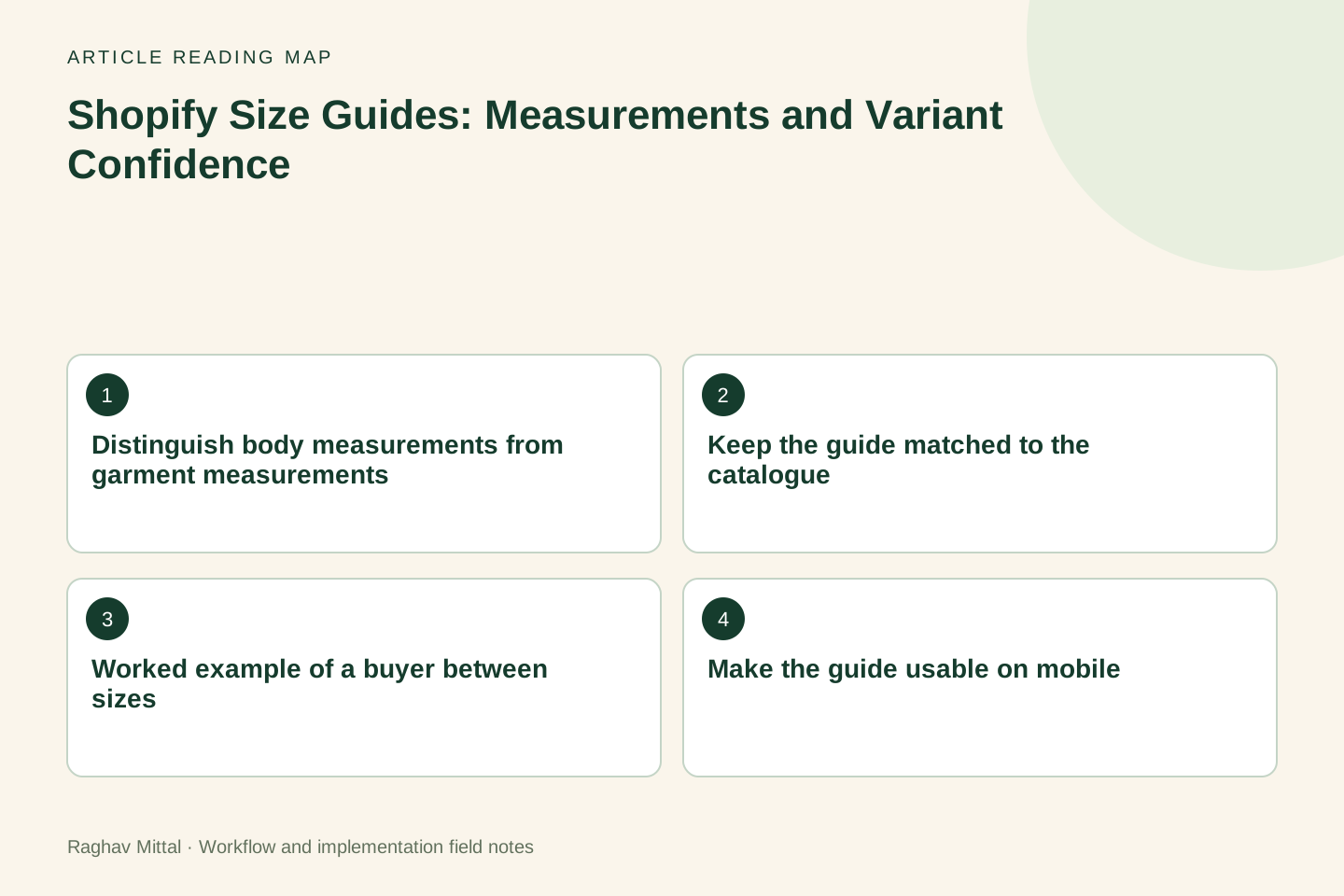
Distinguish body measurements from garment measurements
Explain what the numbers represent and how to take the measurement. A chest measurement on a garment laid flat is not automatically comparable with a body circumference. The label should make that distinction explicit, with the relevant unit visible beside the value.
If a product uses a fit allowance or a range, have the product team approve the explanation. Avoid inventing a universal recommendation such as always choosing the next size up. The correct advice depends on the actual product and intended fit.
Keep the guide matched to the catalogue
Identify which products and variants use each guide. A chart for one supplier's jacket should not silently appear on another supplier's trousers because both share a theme template. Store the relationship in a maintained catalogue field or another agreed source.
Shopify's product-template guidance explains how templates organise storefront presentation. The business still needs to define the correct product data and the conditions under which a particular guide is displayed.
Worked example of a buyer between sizes
Illustrative scenario: a buyer is considering a medium jacket. The page shows a chest figure of 52 but does not say whether it is centimetres, inches or a flat garment measurement. Support cannot reliably answer by repeating that number.
| Information to clarify | Proposed display | Verification |
|---|---|---|
| Meaning of 52 | Named measurement and unit | Product team checks the specification |
| How to measure | Short instruction and useful diagram | A new reader follows the steps |
| Relationship to selected size | Correct medium row visibly identified | Variant selection and guide agree |
Do not invent a corrected measurement for this example. The important fix is to obtain and explain the real product specification. If the team cannot establish it, the workflow should expose that unresolved data problem before new copy is approved.
Make the guide usable on mobile
Open the guide from the actual product page. Can the buyer read the headings, keep track of the relevant row and return to the same selected variant? A wide chart that requires awkward horizontal scrolling can lose the relationship between label and value.
Follow W3C's table guidance when implementing meaningful headers and relationships. Keep measurements available as text; a decorative image alone may be difficult to enlarge, search or interpret with assistive technology.
Use returns and support as evidence
Review fit-related questions and return reasons against the affected product and guide version. Separate a wrong item being shipped from a buyer choosing a size based on unclear information. Those are different causes and require different fixes.
The mobile product audit covers variant and purchase controls. Pair that task with a person who has not seen the product before and record the point where they must guess what a measurement means.
Agree acceptance and maintenance
Test the correct guide on representative products, missing-data behaviour, unit labels and variant changes. Assign ownership for specification updates and retire an old chart when its product relationship changes. Keep a record of the approved wording so support can explain the same guidance.
Use the CRO audit framework to prioritise this alongside other buying questions. Explore Shopify CRO consulting, or send a product page and recurring fit question for a scoped review.
Frequently asked questions
Should every product use the same size chart?
Only when the underlying measurements and fit guidance genuinely apply to those products. Maintain the product-to-guide relationship and test different suppliers or ranges rather than assuming one template proves consistency.
Can a chart image replace written measurement instructions?
An image can help explain a location, but keep the meaning, unit and measurement method available in clear text. Test the full guide on mobile and with the implementation's accessibility requirements.

Founder, The Night Marketer (Shopify Select Partner). The agency has served 450+ brands since 2015.
Shopify CRO Consulting
I lead Shopify CRO engagements for D2C brands worldwide, with The Night Marketer (a Shopify Select Partner) handling design, development and testing. Every engagement starts with evidence: Shopify analytics, GA4, session recordings, device and traffic-source splits, and a walk through your real buying journey. The output is a prioritised backlog ranked by expected revenue impact and effort, then the fixes shipped and measured.