Key takeaways
- Define what one row represents before aggregating movements.
- Keep quantity, value and ageing calculations independently explainable.
- Provide drill-down to source records and unresolved allocations.
- Put the next action and owner beside each exception.
Putting this workflow into practice? Explore Tally TDL Development & Customisation for implementation scope, controls, and next steps.
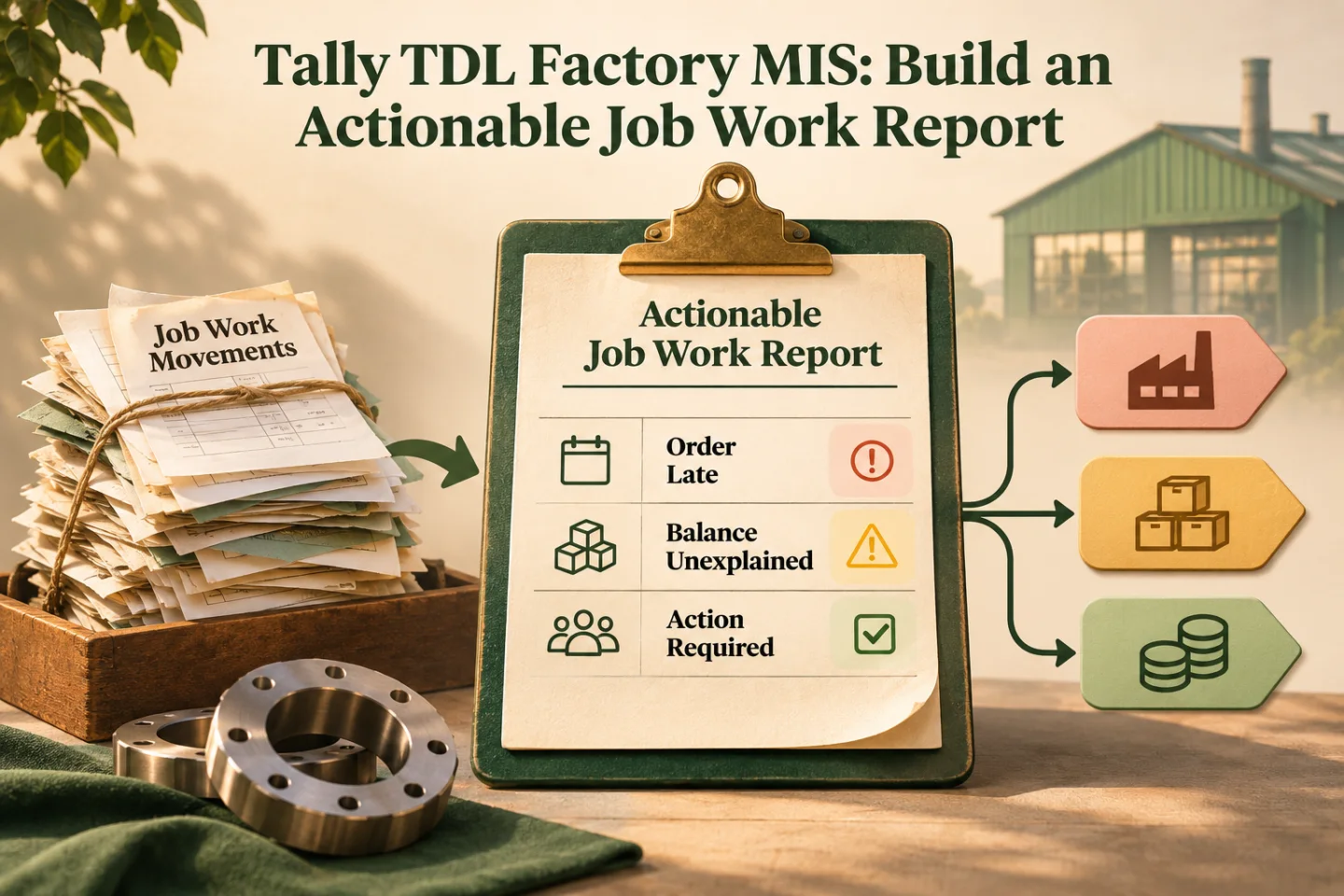
A Tally TDL factory MIS report should help someone decide what to do next. A long list of job-work movements may be accurate but still leave the planner asking which order is late, which balance is unexplained and who should act. Design the report around those decisions before choosing its columns.
The report described here is a proposed custom view for general manufacturing and outsourced job work. Its calculations need agreement with stores, production and finance. The example layout does not claim that every business records the same source detail or has the same definition of an outstanding job.
Define the report's decision and row grain
Choose one main question, such as “Which job-work orders need follow-up today?” Then define a row: one order, one order-and-item combination or one processor-and-material balance. Changing that choice changes how movements can be safely combined.
An order can include several materials and partial receipts. If the report joins each dispatch to every receipt, totals can multiply. Ask the developer to demonstrate how the calculation avoids duplicate contributions, especially when the same item appears on several voucher lines.
Map the source objects and missing evidence
Tally's collection reference describes gathering, filtering and aggregating objects for reports. Specify which source records contribute to each field and what happens when the reference needed to connect them is missing.
The objects and collections guidance explains the hierarchical data context. The developer needs to retrieve quantities and references from the intended level rather than assuming all values belong to the top-level voucher.
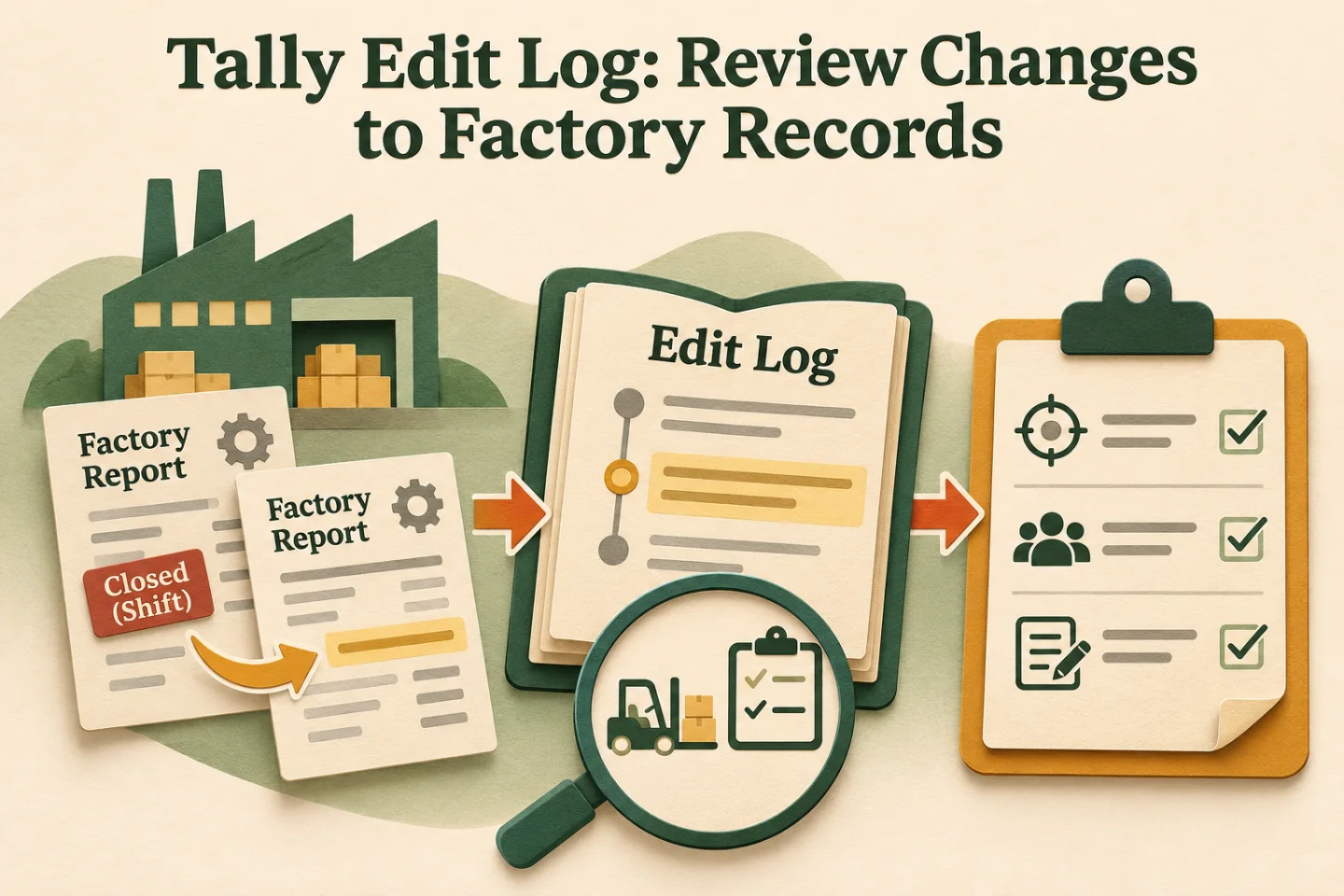
- Define the report grain
- Map source evidence
- Reconcile totals and ageing
- Test drill-down details
A visual map of this article’s approach. The detailed requirements and exceptions are explained in the surrounding sections.
Agree the layout before implementing totals
| Suggested column | Meaning to document | Operator action it supports |
|---|---|---|
| Job and processor | Stable order and party references | Find the responsible external operation |
| Material balance | Reconciled input in its own unit | Investigate an unexplained balance |
| Expected output pending | Output still due under the approved model | Follow up a partial completion |
| Due date and age | Agreed clock and overdue condition | Prioritise time-sensitive jobs |
| Exception reason | Missing evidence or unresolved difference | Route the problem correctly |
| Next owner and date | Named responsibility and promised action | Turn the report into a working queue |
Keep inputs and outputs in distinct columns when their units differ. A single “pending quantity” can hide whether the business is waiting for finished output, raw material or an explanation for scrap.
Make ageing rules reproducible
Choose whether age starts from dispatch, the agreed due date or another defined event. Show that choice in the report definition. Repeated receipts or comments should not reset the original obligation without a documented business decision.
Handle missing dates visibly. A blank due date should appear as missing planning information, not silently become today's date or a zero-day overdue result. If an extension is approved, preserve the original due date and the revised commitment when the business needs both for review.
Connect totals to drill-down evidence
A summary should let the reviewer reach the movements that explain it. Show dispatches, receipts, unused returns and approved adjustments in a consistent sequence. The user should be able to identify which record changed the balance rather than exporting several reports and rebuilding the link manually.
Tally's reports and printing reference covers reporting capabilities. Decide the required screen, export and print behaviour as separate acceptance cases. A report that looks correct on screen can still produce an export that loses units or context.
Keep unresolved allocations in the report
Do not exclude a movement just because its order reference is missing. Give unmatched records their own visible queue and identify the person who can allocate them. A beautifully reconciled report built only from clean records hides the part of the business that needs attention most.
For an illustrative partial-receipt case, one dispatch supports several later deliveries. Show the receipts attached to the order and keep any unallocated receipt separate until reviewed. The report should not guess an allocation solely to remove an exception.
Implementation work to scope
- Define the main decision, row grain and calculation rules.
- Map source objects, job references and legacy opening balances.
- Build the collection and independently reconcile sample quantities.
- Add drill-down, unmatched-record handling and next-action ownership.
- Test filters, company context, exports and performance on representative data.
Use a small reference set with expected totals. Keep the same set for later changes so a new filter or column does not accidentally alter the underlying balance calculation.
Track these separately. Evidence for one does not automatically confirm the others; use the article’s review and ownership checks.
Preserve the reporting cut-off
An outstanding report is a view of records at a particular point. Display the company, selected period and refresh time together. If a receipt is posted after a supervisor exports the report, explain that the later screen reflects a newer population rather than implying the earlier document was wrong.
For periodic reviews, keep a snapshot reference and the filters used. Separate “movement within the selected period” from “balance still outstanding at period end”; these are different calculations. Test a dispatch before the start date with a receipt inside the period, and another receipt after the end date. Those cases reveal whether the opening and closing logic is consistent.
Review performance and access with real users
Measure report opening and refresh time using a representative company and date range. Agree the acceptable behaviour before rollout. A factory user should see which company and period the report covers without having to infer it from a window title.
Give each user only the access their role requires and confirm that exported data follows the same intended audience. Keep operational notes separate from confidential commercial information where users have different responsibilities.
For the wider tracking model, read factory automation systems and the existing Tally inventory guide. Explore GST and Tally automation or share the report columns and decisions you need to scope the custom MIS work.
Frequently asked questions
What should a factory job-work MIS report make clear?
Define what each row represents, the source movements, units, outstanding calculation and ageing date. Give unexplained balances a next action and owner, with drill-down to supporting records.
How can an outstanding total be verified?
Reproduce it from linked dispatches, receipts, consumption and approved adjustments under the agreed unit rules. Reconcile the result before relying on a formatted summary.
Related implementation guides

Founder, The Night Marketer (Shopify Select Partner). The agency has served 450+ brands since 2015.
Tally TDL Development & Customisation
I scope and deliver Tally Definition Language customisations around the way your accounts and factory teams actually work. That can include a job reference on a voucher, an entry check, a job-work report or a dispatch print. We start by checking native configuration, define the saved record behind each field, and test the change alongside existing add-ons before rollout.