Key takeaways
- Inventory installed apps, theme app blocks, embeds, scripts and recurring charges together.
- Separate overlapping features from genuinely independent workflows before removing anything.
- Record the system of record and export path for customer, order and marketing data.
- Test removals on a duplicate theme and keep a rollback note for every change.
Putting this workflow into practice? Explore Shopify & Conversion Websites for implementation scope, controls, and next steps.
A Shopify app audit is an inventory of what each app does, what it costs, what it changes on the storefront, and who owns the data it creates. Start with this before installing another conversion, loyalty or fulfilment tool. The useful outcome is not the shortest possible app list. It is a stack with a named purpose, an accountable owner and a safe exit plan for every app.
Why an app list is not enough
An installed-app screen tells you the app name. It does not tell you whether the app adds a storefront block, injects a theme embed, creates a pixel, writes customer tags, or has been quietly abandoned by the team. An audit needs both the commercial view and the operating view. Someone may pay for two review apps while only one appears on the product page. Another app may look inactive but still feed a customer-service process.
Shopify documents the distinction between app blocks and app embeds. It also notes that an app may need permissions to access store data when installed. Check installation and app setup and the store's user permissions before treating an app as merely a visual widget. Permissions, billing and theme output are separate questions.
Build an inventory the team can actually use
Create one row per app. Capture the business job, owner, payment method, current plan, last observed use, data touched and storefront placement. Add the support contact and a date for the next review. If an app operates through several theme placements, list them separately within the same row. Check the live theme and any unpublished theme you intend to ship; they can have different embeds enabled.
| Field | What to record | Why it matters |
|---|---|---|
| Business job | The decision or task the app supports | Exposes overlapping promises |
| Owner | Person who can approve a change | Prevents silent breakage |
| Storefront placement | Template, block, embed or pixel | Finds duplicate scripts and layout weight |
| Data read and written | Orders, customers, tags, metafields | Defines export and deletion risk |
| Cost | Subscription, usage and transaction fees | Reveals total spend, not just list price |
| Exit test | Export, disable, observe, uninstall | Makes cleanup reversible |
Do not label an app redundant solely because two apps share a category. A search app and a merchandising app may both influence collection pages but have different owners and inputs. Ask which one is the authority for each decision. A team should be able to say, for example, “collection order is set here; the other tool only reports it.” If nobody can answer, that is a discovery task before it is a removal task.
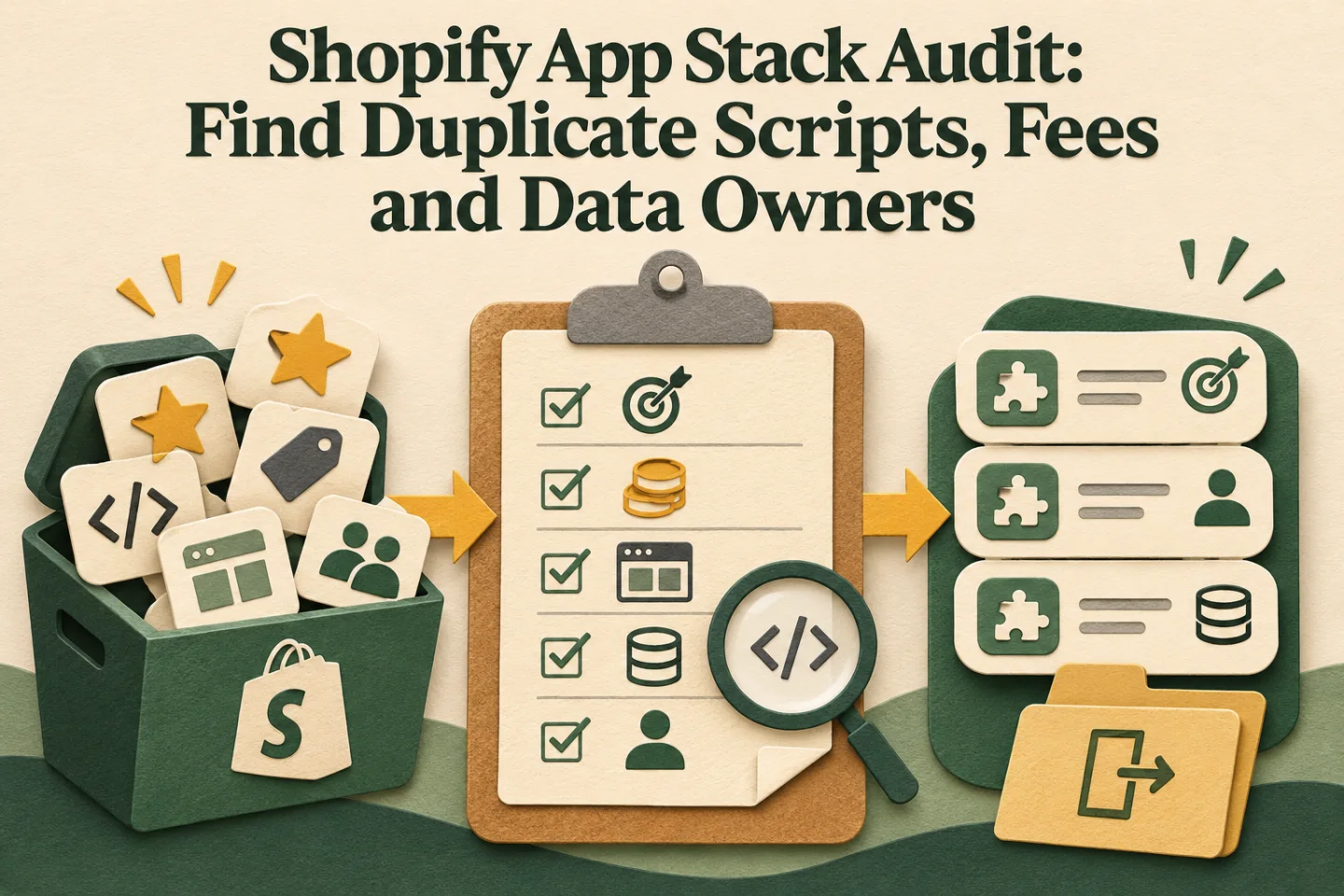
- Inventory apps and owners
- Trace duplicate storefront work
- Map data dependencies
- Plan a reversible removal
A visual map of this article’s approach. The detailed requirements and exceptions are explained in the surrounding sections.
Trace duplicate storefront work
Look at the page as a buyer sees it. Does the product template show two delivery estimators, two sticky purchase bars or two review widgets? Are multiple tools firing a similar analytics event? Compare the theme editor's blocks and embeds with what appears in the rendered page. Keep notes by template, because a homepage can be clean while a product page is crowded. Do a mobile pass as well: overlays and floating buttons that coexist on desktop can cover the add-to-cart action on a phone.
When investigating performance, do not claim an app causes slowness from its name alone. Record the page, device, observed element and before/after test. Disable one candidate in a safe copy of the theme, retest the same journey, then assess the business function you may have removed. The right choice may be configuration rather than cancellation. Our Shopify backend management checklist gives the recurring operating checks that belong beside this audit.
Follow the data before the uninstall button
Customer tags, order notes, metafields, discount codes and app-hosted records may have different owners. Draw a small data map: source event, app transformation, destination and person who relies on it. If a returns app sends status to a CRM, cancelling it may break both the returns screen and the follow-up workflow. If a marketing app stores segments outside Shopify, export what the team is allowed to retain and document how deletion requests will work after exit.
Test one real example of each important record type. Can you find the order, customer, event time and resulting CRM state? If not, the stack may have an ownership problem, even if every subscription is justified. The Shopify CRM data-ownership handoff explains how to make that source-to-owner chain explicit.
Track these separately. Evidence for one does not automatically confirm the others; use the article’s review and ownership checks.
Decide what to keep, consolidate or retire
Use four labels: keep, configure, consolidate, retire. “Keep” means the app has a current job, owner and review date. “Configure” means its job is valid but placement or permissions need tightening. “Consolidate” means another approved system can take over after migration and testing. “Retire” means no current job remains and the exit checks pass. Add “investigate” when ownership is unclear; forced certainty is not a useful audit result.
For each consolidation, write an acceptance test. A loyalty migration, for example, needs more than an exported CSV: balances, customer identity, support lookup and refund behaviour have to remain coherent. Schedule the change during a quiet period, keep a copy of the previous theme, and assign one person to sign off. Check billing separately after the technical removal. A cancelled placement is not necessarily a cancelled subscription, and vice versa.
A practical 90-minute first pass
Spend 20 minutes exporting the installed-app and billing inventory, 20 on theme blocks and embeds, 20 tracing two customer journeys, 20 mapping the top three data flows, and 10 assigning decisions. This is a triage, not a final verdict. The output should be a short priority queue: broken or duplicated buyer experience first, unowned data and permissions second, avoidable cost third. Revisit the inventory after any major theme release or operations change.
If your audit reveals many handoffs, pair it with a workflow review rather than buying an “all-in-one” replacement on the spot. The next decision is which process needs an owner, not which product has the broadest feature page. For help untangling the storefront and its operating stack, see Shopify conversion websites or contact Raghav with your current app list and the journey that is breaking.
Frequently asked questions
What should a Shopify app inventory include?
Record the app purpose, owner, cost, storefront code, data access and workflow dependencies. Identify overlapping functions before deciding what can be simplified or removed.
Is uninstalling an app enough to prove the store is clean?
Verify the relevant theme, embeds, scripts and dependent workflows after removal. Re-test the purchase and operating journeys so a lower app count does not hide broken functionality.

Founder, The Night Marketer (Shopify Select Partner). The agency has served 450+ brands since 2015.
Shopify & Conversion Websites
I help D2C and service businesses improve Shopify stores, landing pages, funnels, tracking, and conversion-critical templates.