Key takeaways
- Choose bundle structure around the buyer’s decision.
- Explain the offer and check margin, component stock and fulfilment.
- Compare formats with a fair test before claiming a conversion improvement.
Putting this workflow into practice? Explore Shopify & Conversion Websites for implementation scope, controls, and next steps.
Fixed bundles suit customers who want a complete, curated choice. Mix-and-match bundles suit customers who know which combinations they want. Neither format automatically converts better: evaluate completed orders, contribution margin and fulfilment errors for your own catalogue.
Choose around the buyer's decision
Imagine a skincare starter routine. A buyer unfamiliar with the range may value three compatible products selected for one use case. Asking that buyer to build a box adds decisions before they understand the ingredients. A returning customer choosing six snack flavours has a different need: being forced into two unwanted flavours can make a fixed pack unattractive. These are illustrative examples, not measured client results.
| Question | Fixed bundle is a useful starting point | Mix-and-match is worth testing |
|---|---|---|
| Does the buyer need guidance? | Components solve one clear problem together | Buyer already understands the range |
| Does preference vary? | Most customers want the same combination | Flavour, colour or quantity preference matters |
| Can the team handle combinations? | Picking should follow one repeatable recipe | Inventory and warehouse systems handle component choices |
| Is mobile selection simple? | One selection and clear included items | Clear progress, constraints and editable choices |
Shopify's bundle overview describes bundle types. The first-party Shopify Bundles app supports fixed bundles and multipacks. Check the current eligibility and considerations for your sales channels, subscription needs and chosen implementation. A product labelled “bundle” does not establish how stock or returns will behave.
Make the offer understandable before adding a builder
Show what is included, the total price and how any saving is calculated. For a fixed pack, explain why the items belong together. If variants are selectable, make it clear which item each choice changes. For mix-and-match, show the required quantity, current selection count, exclusions and final price before asking the buyer to add the box to the cart.
Avoid forcing shoppers to restart when they change one item. On a phone, a selection summary and a clear remaining-item count are more useful than a decorative animation. Test a customer who leaves the page halfway through, changes a variant or encounters a sold-out component. The collection merchandising guide helps position bundle offers alongside individual products without hiding the alternatives.
- Choose the buyer's decision
- Explain the bundle offer
- Check margin and component stock
- Compare formats fairly
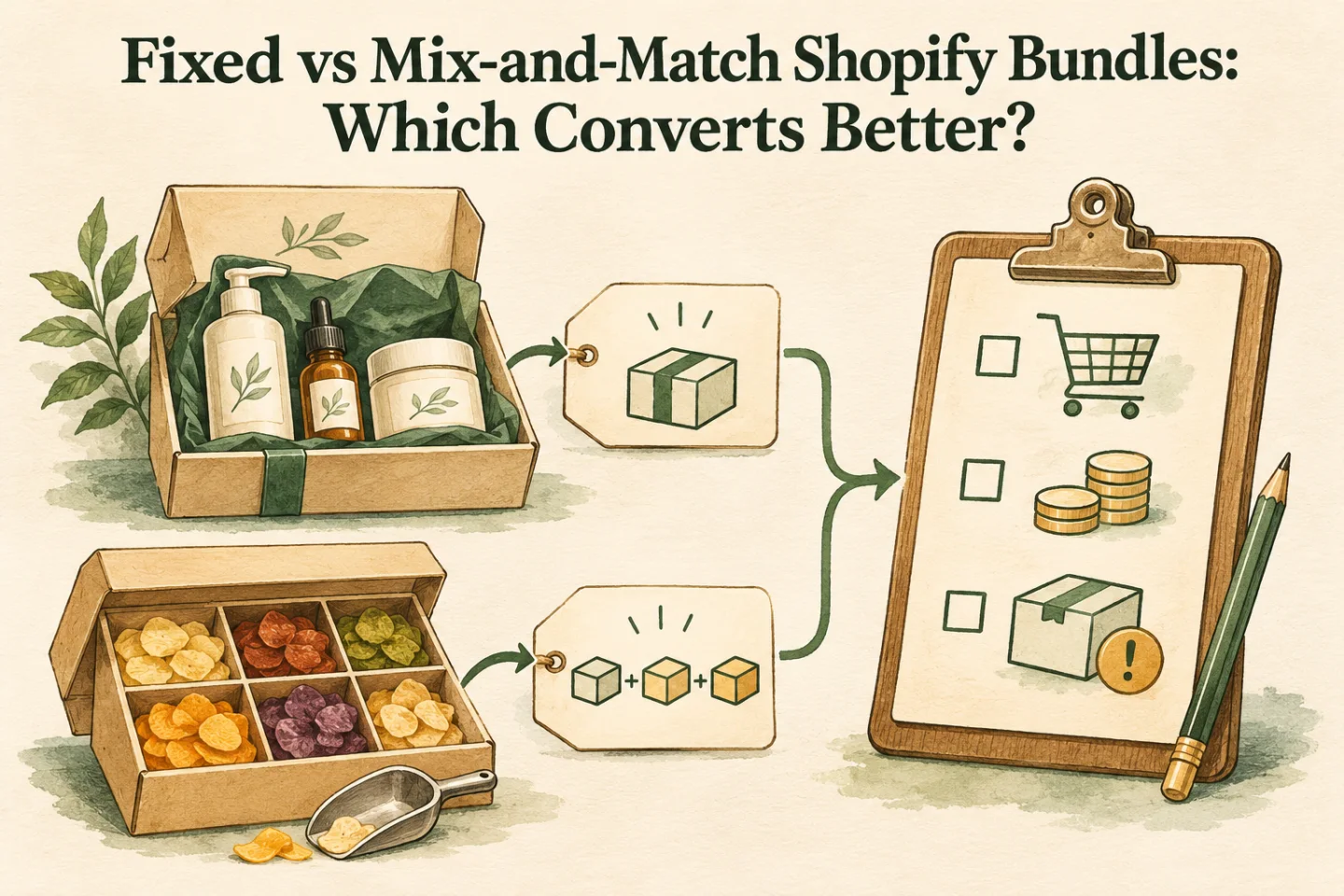
A visual map of this article’s approach. The detailed requirements and exceptions are explained in the surrounding sections.
Model the margin and stock constraints
Use contribution per completed order: selling price minus component cost, discount, payment fees, fulfilment, packaging and expected returns cost. A higher basket value is not sufficient if an expensive component can be selected repeatedly at a flat bundle price. Decide whether to restrict repeats, separate price tiers or price the choices dynamically before launch.
A worked inventory example: a fixed kit contains two units of A and one of B. With ten available units of A and three of B, at most three complete kits can be assembled if nothing else reserves those units. That arithmetic is a planning check, not a promise about a particular app's reservation implementation. Confirm how the actual app calculates availability when components also sell individually, stock changes and orders arrive concurrently.
For each component, verify SKU identity, fulfilment location, picking instructions and partial-return treatment. Test discounts against the final cart, not only the product page. Our backend management checklist covers the operational checks to repeat after catalogue changes.
Compare formats with a fair test
Choose a product group where both formats make sense. Keep the audience, price conditions, inventory availability and acquisition source comparable. Record exposures, selection starts, add-to-cart events, completed orders and contribution. Separate fixed-pack purchases from builder purchases in reporting. If customers self-select different journeys, describe that limitation rather than declaring a causal conversion winner.
For example, ten completed orders from 100 builder starts is a 10% builder completion rate. It is not a 10% visitor conversion rate unless those starts represent all eligible visitors. Define denominators before launching. Include support tickets per order and picking mistakes as guardrails. Low order volume may justify a usability review before a statistical test.
Choose the buying experience, then check margin, component stock and fulfilment. A different format alone does not establish a conversion lift.
Release checklist and decision
Check the normal purchase, a sold-out component, a changed selection, a discount, cancellation and partial return. Confirm that the order reaching the warehouse describes what the customer selected. Document a rollback to the previous offer if stock accounting or checkout behaviour fails.
Keep the format that best fits the customer task and operating economics. A store can use a fixed starter pack for new buyers and a configurable replenishment box for returning buyers. The two formats can serve distinct journeys without competing for a universal “best” label.
For offer design and mobile purchase flow, see Shopify conversion websites. For component, inventory or warehouse handoffs, see Shopify automation, or contact Raghav with the bundle rules you need to support.
Frequently asked questions
When does a fixed Shopify bundle fit the buying decision?
A fixed bundle can suit a clear, preselected combination that the buyer can understand quickly. Check product fit, margin and component stock before adding more selection steps.
How should fixed and mix-and-match bundles be compared?
Define the product group, offer, audience and success metric before testing. Account for discounts, fulfilment complexity and component availability; do not assume one format always converts better.
Bundle design also needs reliable component stock, order routing, and fulfilment rules. See the Shopify backend and operations automation service for that implementation work.

Founder, The Night Marketer (Shopify Select Partner). 12+ years of experience and 450+ brands served since 2015.
Shopify & Conversion Websites
I help D2C and service businesses improve Shopify stores, landing pages, funnels, tracking, and conversion-critical templates.